

























Q. In 30 best travel gadgets for your summer vacation you advised setting up your own hot spot by using your phone as a personal Wi-Fi hot spot so that other gadgets can get online when no Wi-Fi is available. Will you please explain how we can do that?—Floyd Williams, Mercer Island, WA
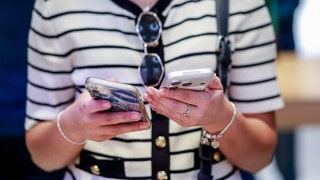
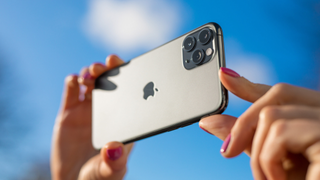
A. Many phones and tablets with 3G or 4G data capability have an optional function, found among the wireless settings, that enables their built-in Wi-Fi radio to work in reverse. When chosen, the feature lets the phone appear to other devices as a private Wi-Fi hot spot. It passes the data to the cellular network. Usually, you must pay a monthly fee for that in addition to the usual cellular data charges, and the device’s battery could drain faster when the feature is in use.
If you're in the market for a new smart phone, check our buying guide and reviews of more than 100 models as well as Ratings of service providers.
Send questions to ConsumerReports.org/askourexperts.
This article also appeared in the October 2014 issue of Consumer Reports magazine.
Copyright © 2005-2014 Consumers Union of U.S., Inc. No reproduction, in whole or in part, without written permission. Consumer Reports has no relationship with any advertisers on this site.
