 Print
Print
 Close
Close

Why your VPN keeps getting blocked and the simple fix
By Kurt Knutsson, CyberGuy Report
Published June 08, 2026

You fire up your VPN, connect to a server and pull up the streaming service or website you were trying to reach. A few seconds later, you see the dreaded message: blocked. So you try again. Still blocked. Then you switch servers. Same result.
If this sounds familiar, you are not alone. VPN blocking has become much more aggressive over the past few years. The old VPN tricks that once worked reliably no longer always get the job done.
The good news is that there is usually one specific reason your VPN keeps failing. Even better, most people never think to address it.
Join CyberGuy Live: Lock Down Your Phone in 30 Minutes (Saturday, June 13, 10 am ET)
- Your phone holds your email, passwords, photos, banking apps and personal data. In this free, live online class, Kurt the CyberGuy will walk you step by step through simple phone security fixes you can do in real time. You’ll learn how to improve your privacy settings, spot the latest phone scams, use trusted security tools and walk away with a simple checklist to stay protected. Register here: CyberGuyLive.com.
STUCK BEHIND A VPN WALL? LET’S FIND A WAY AROUND IT
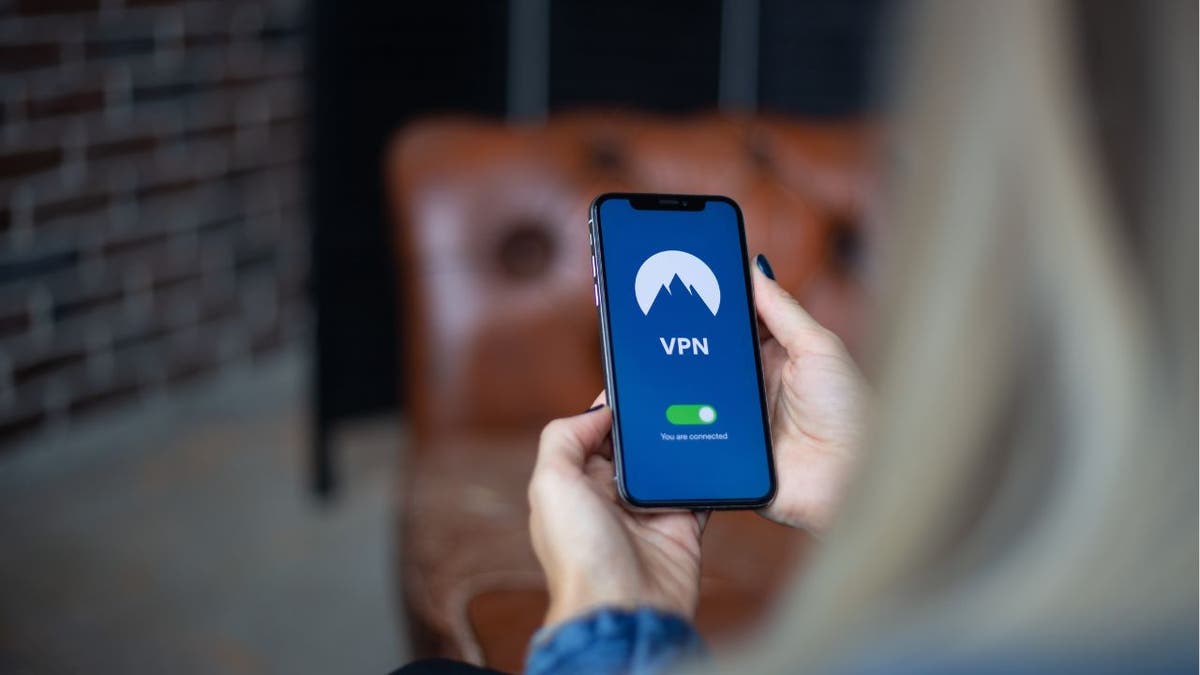
A VPN with modern protocols, obfuscation and DNS leak protection can help users avoid blocked connections and protect privacy. (Kurt "CyberGuy" Knutsson)
Why your VPN keeps getting blocked by websites
Platforms block VPNs in a couple of main ways. The most common method is IP address detection. VPN providers use large pools of IP addresses. However, over time, those addresses get flagged and added to blocklists.
That creates a cat-and-mouse game. Cheaper VPNs often lose that fight because they do not have the resources to rotate and refresh their IP pools often enough.
Beyond IP detection, some websites and networks use deep packet inspection, also known as DPI. This technology can identify VPN traffic even when the IP address itself has not been flagged yet.
Corporate networks, schools and countries with heavy internet restrictions often rely on this method. It can even catch some respected VPN services off guard.
Premium VPN providers avoid many of these issues because the service is built around a more advanced protocol that addresses the problem closer to the source.
Quick checks before you blame your VPN
Before you assume your VPN has failed, try a few simple checks. First, close and reopen the app or browser you are using. Then, make sure your VPN app is updated because older versions may not handle blocked networks as well.
THIS CHROME VPN EXTENSION SECRETLY SPIES ON YOU
Also, check whether your browser has location permissions turned on. If a website can access your device location, it may still figure out where you are, even while your VPN is connected.
The VPN fix most people miss
Here is where most people go wrong. When their VPN gets blocked, they do the obvious thing. They switch servers. Sometimes that works for a little while. However, if the real issue is DPI rather than IP blacklisting, changing servers will not solve the problem. That is because the traffic pattern itself gives you away.
The fix is obfuscation. In other words, your VPN needs to disguise its traffic so it looks like regular web browsing instead of VPN activity. Surprisingly, many VPN users have never heard of obfuscation. Even some VPN providers do not make it easy to use.
Obfuscated servers make your VPN traffic look like ordinary HTTPS web traffic. To a network monitoring tool or a streaming platform's detection system, your connection looks like a regular browser session. There is no obvious VPN fingerprint to flag.
Obfuscation can help VPN traffic look like ordinary web browsing, reducing the chances that websites or networks will block the connection. (Kurt "CyberGuy" Knutsson)
A premium VPN handles this automatically. Its Lightway protocol is built with obfuscation in mind and adapts depending on the network you are using. You do not have to dig through settings or manually turn anything on.
If a network is aggressively blocking VPN traffic, Lightway adjusts to help get around it without making you do the hard work.
IS YOUR VPN ENOUGH WITHOUT ANTIVIRUS PROTECTION?
Why DNS leaks can expose your real location
There is one more thing worth checking: your Domain Name System (DNS) settings. Even when your VPN connection is active, DNS leaks can reveal your real location. A DNS leak happens when your device sends domain name requests outside the encrypted VPN tunnel. That means websites may see your actual internet provider and location, even though your IP address appears to be somewhere else.
In other words, your VPN may look connected, but part of your browsing activity may still be pointing back to your real internet provider.
Here is the simple way to check:
- Connect to your VPN.
- Open a browser and go to a trusted DNS leak test site.
- Run the test.
- Look at the results. If you see your regular internet provider, your VPN may be leaking DNS requests. If you see your VPN provider's servers or a location tied to the VPN server, that is what you want.
You may also want to run a WebRTC leak test, especially if you use Chrome, Edge or Firefox. WebRTC is a browser feature that can sometimes reveal your real IP address. To check, stay connected to your VPN, open a WebRTC leak test page and look for your real public IP address. If your real IP appears, your browser may be leaking identifying information.
A premium VPN routes DNS queries through its own encrypted servers and includes built-in DNS leak protection. As a result, most users do not need to troubleshoot this manually. Still, running a quick leak test gives you peace of mind that your VPN is doing what it should.
Why choosing the right VPN makes a difference
Free VPNs and many budget options often share server infrastructure. That means their IP addresses can get flagged and blacklisted quickly.
Their servers may also be overcrowded. Their protocols may be outdated. Many also lack meaningful obfuscation, which leaves your VPN traffic easier to detect.
A premium VPN maintains thousands of servers across 110+ countries and works to keep those servers accessible, even on networks that try hard to block VPN traffic. It also offers a 30-day money-back guarantee, so you can try it and see whether it solves the blocking issues you keep running into.
ROUTER VPNS VS DEVICE VPNS: WHICH PRIVACY SOLUTION IS BEST FOR YOU?

Kurt "CyberGuy" Knutsson types on a laptop while explaining how shared VPN IPs can trigger blocks by banks, email providers and streaming sites, and how a dedicated IP can prevent this. (Kurt "CyberGuy" Knutsson)
What this means to you
If your VPN keeps getting blocked, the problem may go deeper than the server you picked. The website, streaming platform or network may be detecting the way your VPN traffic looks.
That is why obfuscation can make such a big difference. It helps your connection blend in with regular web traffic, which can reduce the chances of being flagged.
DNS leak protection also helps because your location can still slip through if your device sends requests outside the VPN tunnel.
In other words, a stronger VPN can help you stay connected, private and secure with far less frustration.
For the best VPN software, see my expert review of the best VPNs for browsing the web privately on your Windows, Mac, Android and iOS devices at CyberGuy.com.
Kurt's key takeaways
When your VPN keeps getting blocked, switching servers may feel like the easiest fix. Sometimes it works for a short time. However, it often acts more like a temporary patch than a real solution. The better answer is to use a VPN with modern protocols, obfuscation and strong DNS leak protection. That combination helps hide the telltale signs that make websites and networks block VPN traffic in the first place. With a premium VPN, that technology works behind the scenes. You connect through the app, and the VPN handles the harder technical work for you. The result is a simpler experience: a more private, secure and open internet without constantly fighting blocked connections.
CLICK HERE TO DOWNLOAD THE FOX NEWS APP
Have blocked VPN connections made you rethink which VPN you use? Let us know by writing to us at CyberGuy.com.
Sign up for my FREE CyberGuy Report
- Get my best tech tips, urgent security alerts and exclusive deals delivered straight to your inbox.
- For simple, real-world ways to spot scams early and stay protected, visit CyberGuy.com – trusted by millions who watch CyberGuy on TV daily.
- Plus, you'll get instant access to my Ultimate Scam Survival Guide free when you join.
Copyright 2026 CyberGuy.com. All rights reserved.
https://www.foxnews.com/tech/vpn-keeps-getting-blocked-simple-fix