 Print
Print
 Close
Close

How to increase the font size on Android
By Kurt Knutsson, CyberGuy Report
Published December 11, 2022
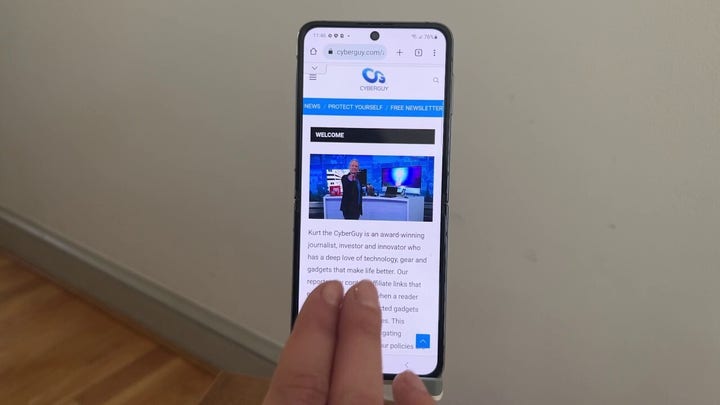
Androids give us access to so much information, it's as if we're carrying around little electronic encyclopedias in our pockets 24/7.
But what good is having instant access to all that useful information if you have to squint hard just to read what's on your screen because the words are so small?
Or maybe you want to see as many words on your screen as possible to absorb everything more efficiently, and you wouldn't mind shrinking the font in order to get a quick read?
In this photo illustration an Android logo seen displayed on a smartphone. (Photo Illustration by Rafael Henrique/SOPA Images/LightRocket via Getty Images)
Sure, it's possible for you to just zoom in and out of your screen by using two fingers to slide the article closer and further away, but not every app or website that you are looking at is designed to respond to this action.
Whichever category you fall under, there is a way to adjust the size of the font on your Android to cater to your reading and eyesight needs. And it can be done just by following these few simple steps.
TECH TIP: 3 STEPS TO MAKE YOUR (OR A FAMILY MEMBER’S) PHONE SAFER
Young Men Using Smart Phone Social Media Concept (iStock)
How to change the font size on your Android smartphone
(Settings may vary depending on your Android phone's manufacturer)
- Go to Settings
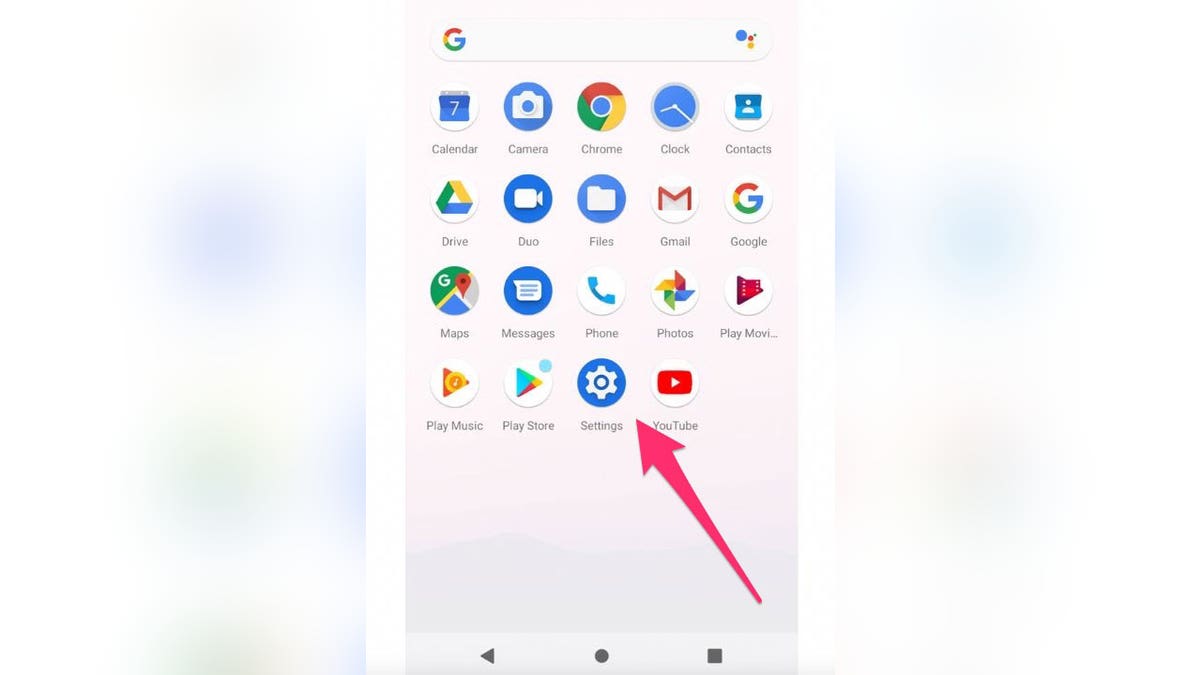
Screenshot displaying how to get to settings on an Android phone. (Fox News)
- Click Display
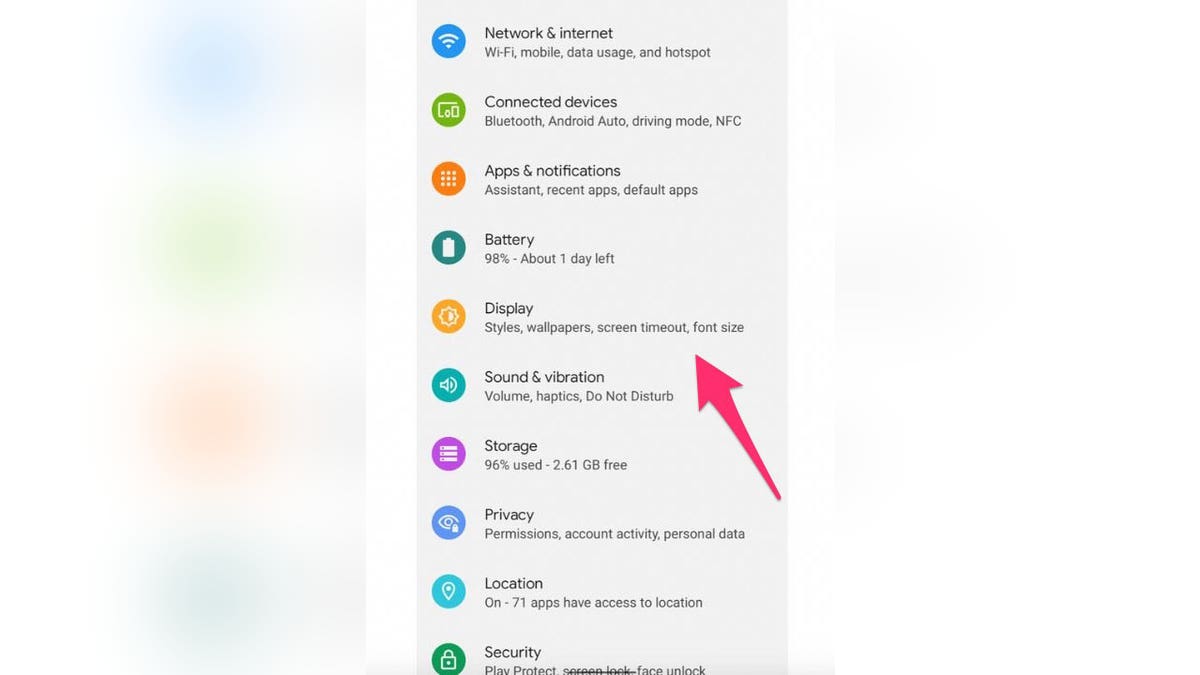
Directions on how to get to the display screen from settings on an Andriod. (Fox News)
- Select Font size
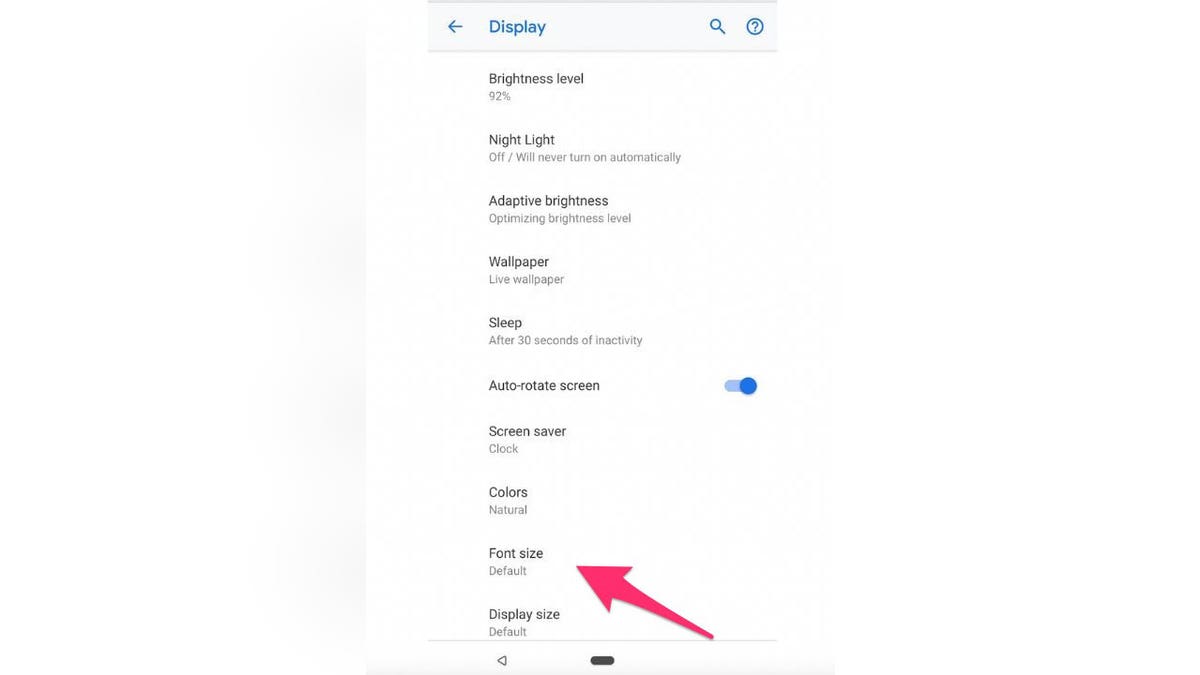
Directions on getting to the font settings from the display screen. (Fox News)
- A slider will appear at the bottom of your screen. Slide it to the left and right to determine how big or small you want your font to be
HOW TO SCAN A QR CODE WITH YOUR IPHONE OR ANDROID PHONE (NO APPS NEEDED)

FILE - In this April 16, 2019, file photo, a model holds a Samsung Galaxy Fold smart phone to her face, during a media preview event in London. Samsung is pushing back this week's planned public launch of its highly anticipated folding phone after reports that reviewers' phones were breaking. The company had been planning to release the Galaxy Fold on Friday. Instead, it says it will to run more tests and announce a new launch date in the coming weeks. (AP Photo/Kelvin Chan, File) (Fox News)
Android has tons of unique tips and tricks in order to give you the best use of your device. Find more fun tricks to use on your Android smartphone by searching ‘Android’ at CyberGuy.com
Copyright 2022 CyberGuy.com. All rights reserved. CyberGuy.com articles and content may contain affiliate links that earn a commission when purchases are made
https://www.foxnews.com/tech/increase-font-size-android