 Print
Print
 Close
Close

4 simple and powerful tips for mastering your iPhone calculator
By Kurt Knutsson, CyberGuy Report
Published December 17, 2022

The Apple iPhone has tons of unique little tricks within each of its apps, and you have to really play around with it to figure out what’s hidden. The one you may not expect to find is actually in the calculator app.
So, if you’re trying to figure out what to tip your waiter at a restaurant or simply adding up how much money you’ve spent over the last week, these quick tips will certainly make your life easier.

The CyberGuy Kurt Knutsson compares the iPhone 4 to the iPhone 13 on 'Fox and Friends' Sept. 7, 2022. (Fox News)
APPLE'S REPLACEMENT FOR THE PASSWORD
How to delete a single digit
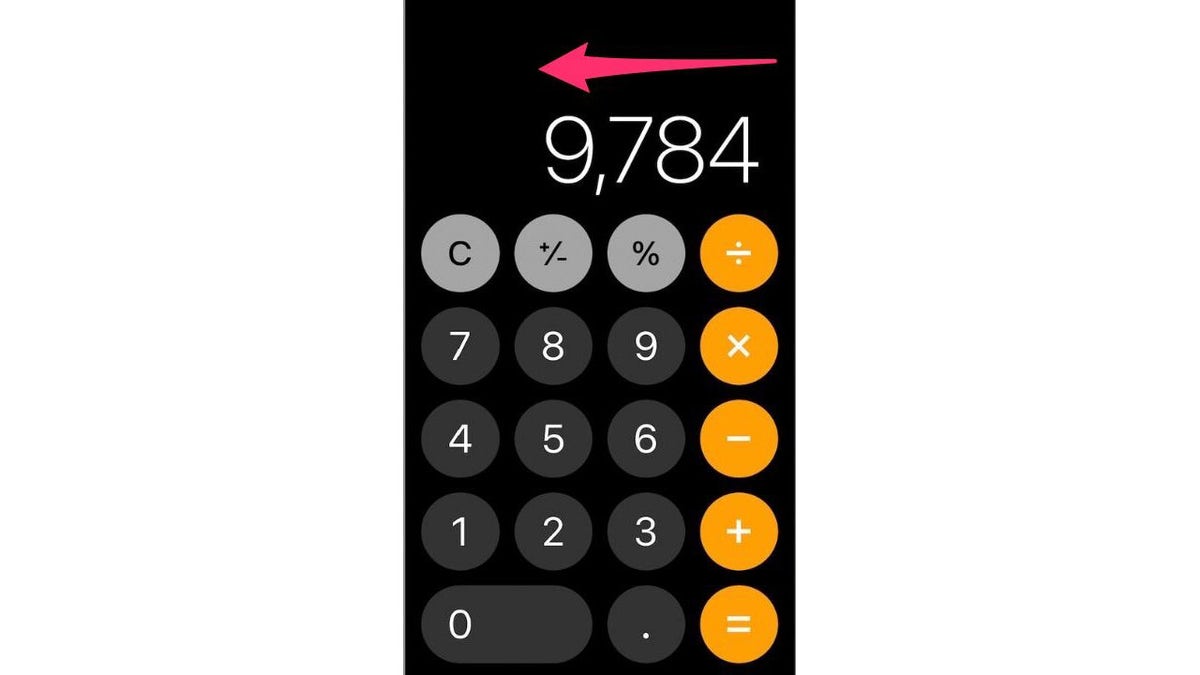
The Apple iPhone has tons of unique little tricks within each of its apps, and you have to really play around with it to figure out what’s hidden. (CyberGuy.com)
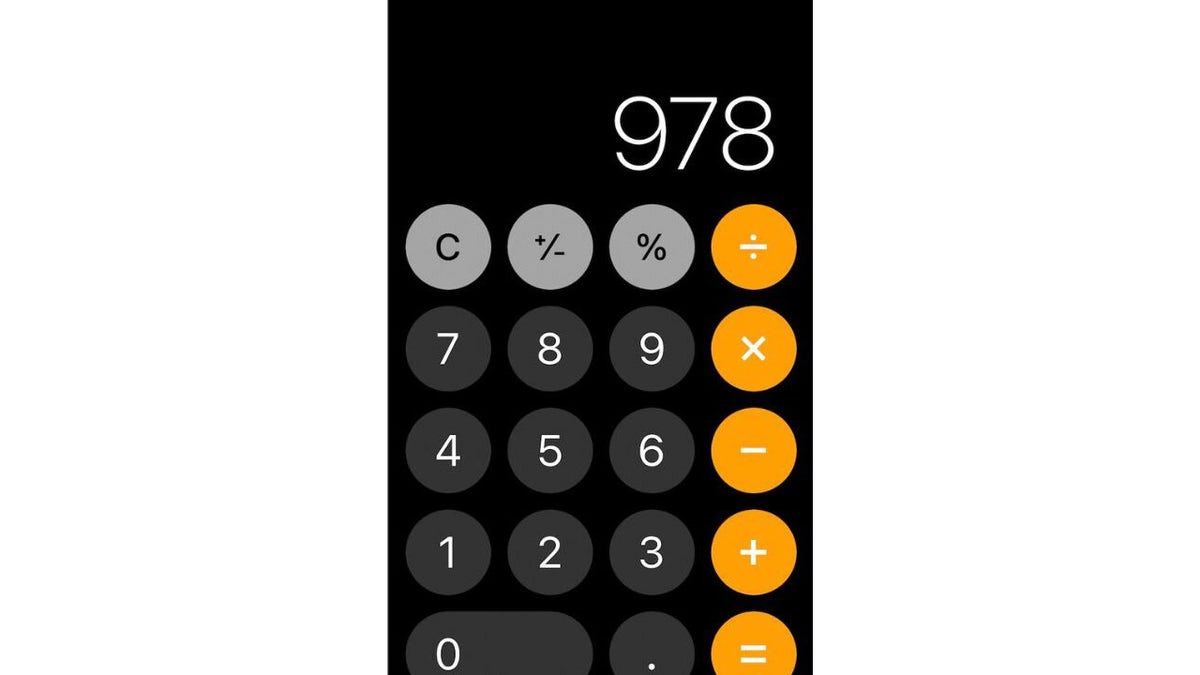
The Apple iPhone's calculator (CyberGuy.com)
If you type an incorrect digit in your calculator app, you do not have to press the C button to clear it and start all over again. Instead, simply swipe your finger to the left or right at the top of the display and the last digit you typed will disappear.
How to use the scientific calculator
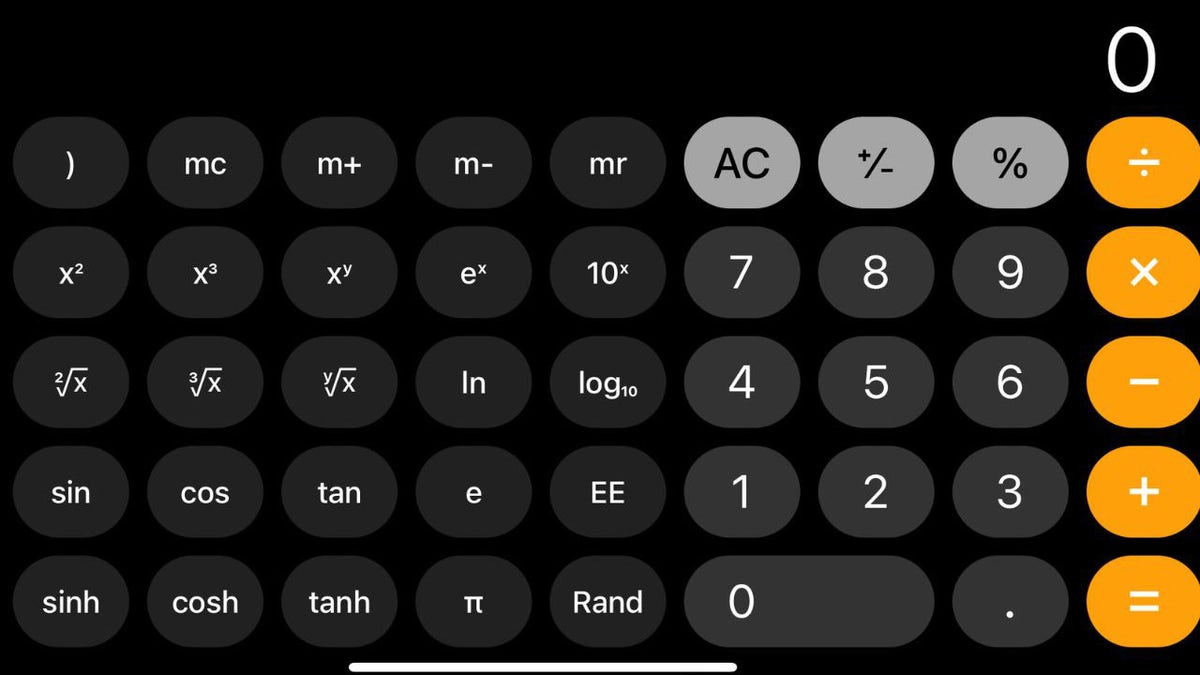
Learn some hidden tricks on your iPhone's calculator (CyberGuy.com)
GOT AN IPHONE? DON'T WAIT ANOTHER SECOND TO UPDATE CRITICAL PRIVACY SETTINGS
If you need to perform more complicated math equations such as exponents, square roots, etc., simply open your calculator app and turn your iPhone sideways. This will reveal an entire scientific calculator keyboard that offers tons of mathematical options, just like a real calculator.
Other features of an Apple iPhone (CyberGuy.com)
How to copy and paste from within the calculator app
If you need to quickly input your calculator results into another app, you don’t necessarily need to memorize the number itself. Simply double-tap the number to copy it, then paste it to wherever you need it to go.
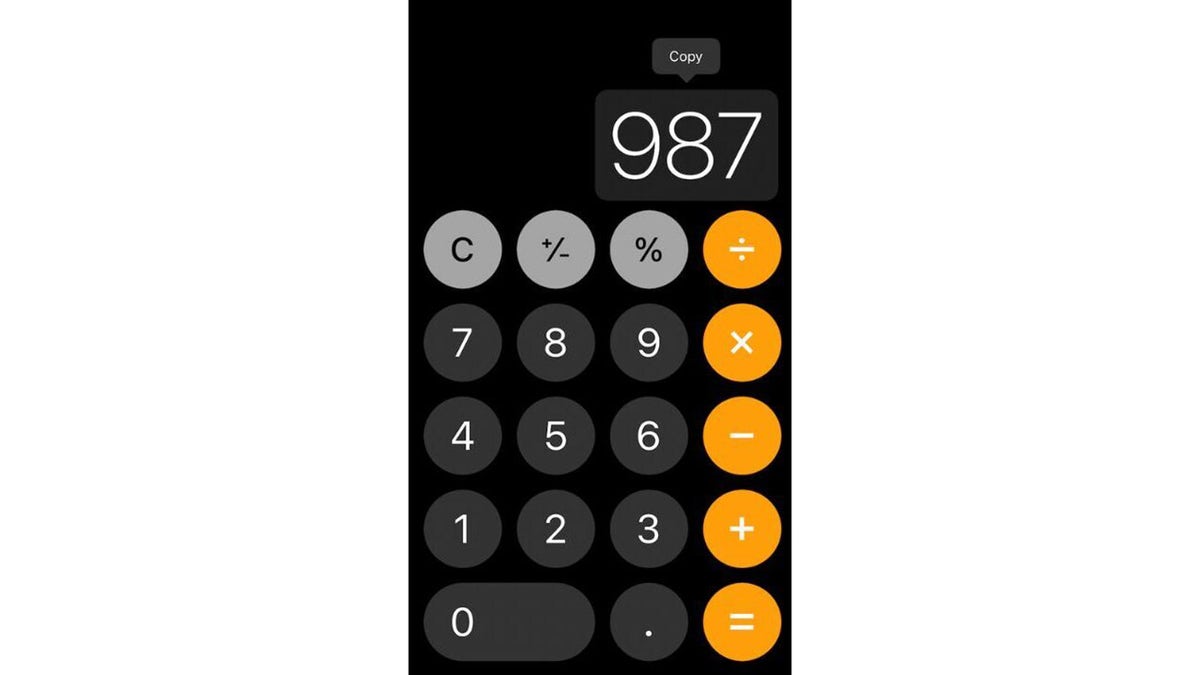
An Apple iPhone calculator screen (CyberGuy.com)
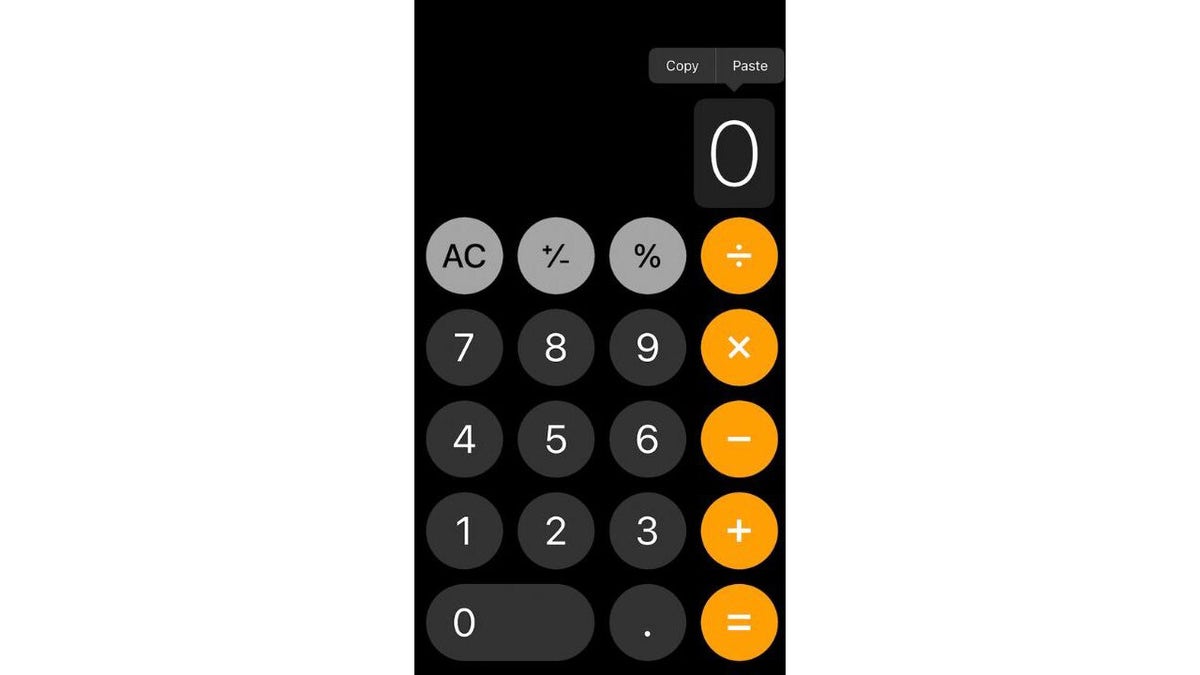
The Apple iPhone's calculator has some hidden tricks (CyberGuy.com)
How to use Spotlight Search to quickly do a calculation
Calculator functions are also built into your Spotlight Search function on your iPhone. So if you don’t feel like going into your calculator app, you don’t have to.
Swipe left on your Home screen to reveal the Spotlight search page
Type any simple math equation (addition, subtraction, etc.) into the search bar and the results will appear directly below.
CLICK HERE TO GET THE FOX NEWS APP
For more of my iPhone tips, head over to CyberGuy.com and search "Apple" and be sure to sign up for my free newsletter at CyberGuy.com/Newsletter.
https://www.foxnews.com/tech/4-simple-powerful-tips-mastering-iphone-calculator